
E-bike firmware update: official steps for Bosch, Aventon and more
Last checked Nov 1, 2026 · By EbikePost editors
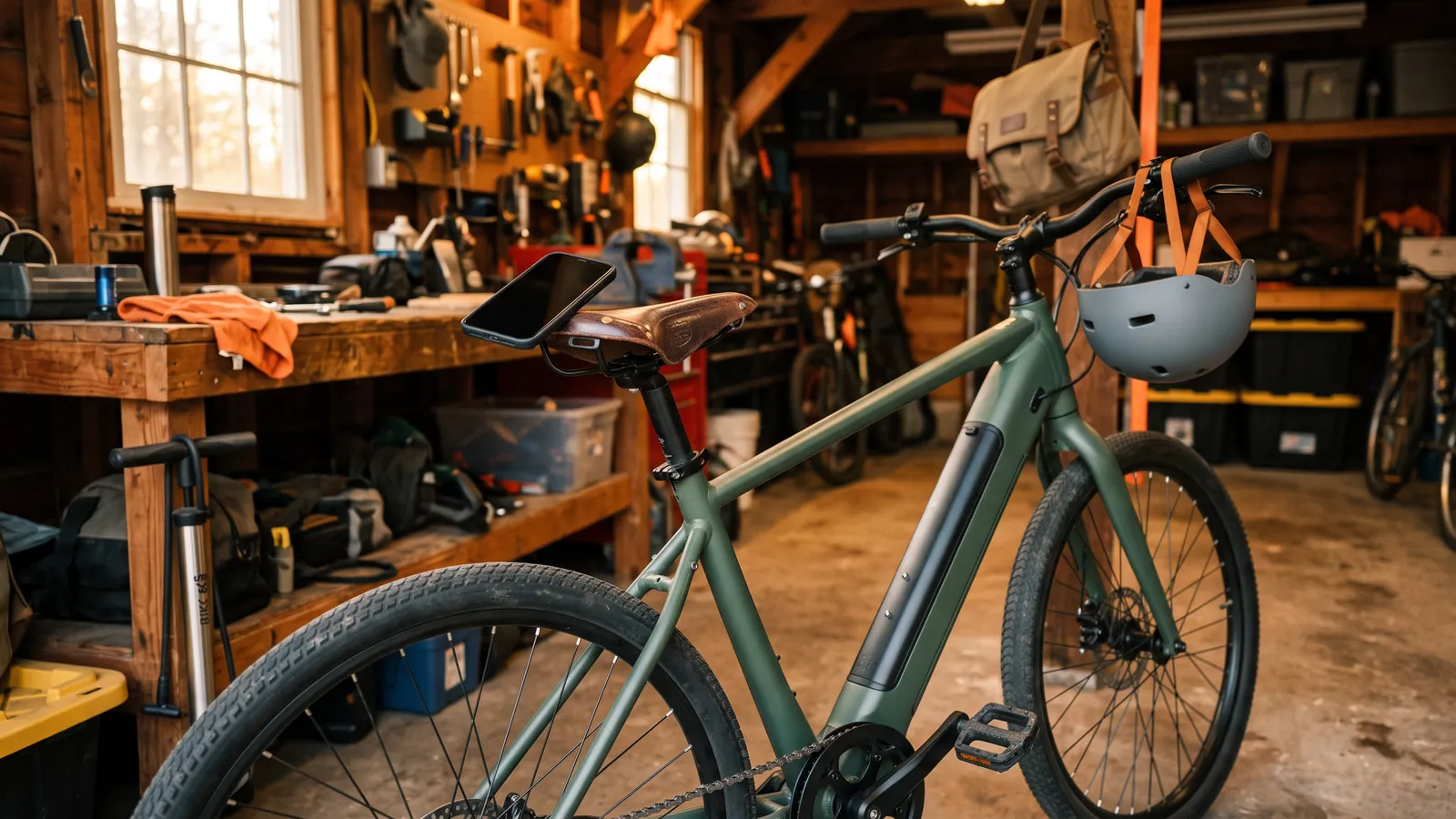
Update only through your maker's own app, and only the way its page describes. For Bosch smart system bikes that's the eBike Flow app (Settings, then Your eBike), and Bosch's help page says the transfer takes about 20 to 30 minutes with the bike and phone close together. Aventon updates through the Aventon app (Update Firmware), and Velotric through Bike Settings, then Firmware Update. Shimano has its own E-TUBE PROJECT apps. If your maker doesn't publish an update route, ask the maker or a dealer; don't use a third-party tool.
You open the app and a card says an update is available, or a friend says "update it, it fixes things." It's a reasonable thing to do, and you only need to follow your maker's steps exactly. This page collects the official routes we could confirm. It doesn't cover third-party firmware, tuning tools, or anything that changes limits: those are not the maker's updates, and we don't help with them.
Before any update
These are general sense checks, not claims about every bike. Your maker's page is the final word.
- Update the maker's app first from the App Store or Google Play. Bosch's help page says to have the latest eBike Flow app before updating the bike.
- Have the bike and phone close together, with a working internet connection where the maker's page asks for one.
- Leave the bike alone while it installs. Bosch's help page says not to move the bike or remove any components during installation, and that the bike restarts at least once, so the app connection drops for a bit.
- Start with a reasonably charged battery and phone. The makers' pages we read don't give a number, so we won't either.
Bosch (eBike Flow app, smart system)
Bosch's U.S. software page says to launch the eBike Flow app, connect your eBike to it if you haven't already, then look for an available update under Settings (cogwheel) > Your eBike. Bosch's help page for smart system bikes adds that the update comes by Bluetooth after the app downloads it, the transfer can take around 20 to 30 minutes, and you can use the bike as usual during that time. When it's ready you tap Install now, and Bosch says green LEDs flashing on the remote mean installation is still running. Menu names change between app versions, so follow what your app shows.
Bosch's software page also says that with a Nyon display on Wi-Fi, the display checks for updates itself, or you can check under Status Screen > Settings > System Settings. For anything else, Bosch tells you to ask your dealer. See our Bosch error codes guide if an update leaves a code on the display.
Aventon (Aventon app)
Aventon's posts describe two paths, so look for whichever the app shows:
- Connect your bike to the Aventon app. An update prompt should appear when one is available.
- If it doesn't, open the app's settings. An older Aventon post says More Settings, then scroll to Update Firmware; a newer one says Settings > System Maintenance > Update Firmware.
- Accept the update on your bike.
Aventon's newer post says updates are for compatible ACU-equipped bikes and rolled out across select models, so a given bike may not have one. Check your model's page or ask Aventon support. Our Aventon error codes guide covers codes you might see afterward.
Velotric (Velotric app)
Velotric's Discover M page says: connect to the Velotric App, then go to Bike Settings > Firmware Update. For batteries swapped between the Discover 2 and Discover M, it says a firmware update is "strictly required" first, and that you must update both the controller and battery firmware to the latest versions to keep range estimates accurate. We found the steps on one model's page, so check your model's page or contact Velotric support (help@velotricbike.com, +1 888-559-3099, from its warranty page).
Shimano (E-TUBE PROJECT)
Shimano's own tools are the E-TUBE PROJECT apps, which its support pages cover in an FAQ. Shimano's site blocked our automated read, so we haven't confirmed its steps and won't summarize them. Read Shimano's FAQ or ask the dealer who set up your bike; your bike's maker may list steps too. Never use a third-party app or tool on a Shimano drive.
Lectric, Ride1Up and others
We didn't find a published firmware update route for Lectric or Ride1Up in the manuals and pages we read. If your bike has an app, look for an update notice there. If you can't find one, ask the maker; we can't point you to an official route.
Write down your firmware version in the app before an update, and take a photo of any error message that follows. If something goes wrong, the maker's support will ask for both.
If an update fails or the bike acts strangely afterward
- Wait, then restart as the maker says. Bosch says the bike restarts itself during installation.
- Reopen the app and retry once, with the phone close to the bike.
- Note the error code and look it up in our error code guide.
- Stop and contact the maker or a dealer if the bike won't start, shows a repeating error or won't connect to the app. Do not try third-party tools, flash files or "restore" utilities.
Contact the maker or a dealer if: the update stops partway, the display stays on an error, or the bike doesn't wake up. Give them your model, your firmware version and what the app said.
FAQ
Should I update my e-bike firmware? Makers publish updates for their own bikes, and Bosch notes updates keep the eBike current. Your maker's page says what each one does. Follow its steps rather than a forum's.
How long does a Bosch eBike update take? Bosch's help page says the transfer can take around 20 to 30 minutes, and the bike restarts at least once during installation.
Can I update an e-bike without the app? Some systems update through a dealer or display instead. Bosch directs Nyon owners to the display's own check, and tells other riders to ask a dealer with questions.
Does updating the app update my bike? Not on its own. Bosch's help page treats them as two steps: update the app first, then update the bike from the app's update screen.
Written from makers' support pages, not from testing updates. Steps change between app versions, so your app and your maker's page come first.
Sources (6)
- Bosch eBike Systems: Software updates (U.S.; eBike Flow app, Settings > Your eBike; Nyon Wi-Fi check)
- Bosch eBike Systems Help Center: How do I update my smart system eBike over the air?
- Aventon: Tech Talk, Inside Aventon's latest tech update (Settings > System Maintenance > Update Firmware; compatible ACU-equipped bikes)
- Aventon: New firmware update post (connect bike to the Aventon app; More Settings > Update Firmware)
- Velotric Discover M page, FAQ (Bike Settings > Firmware Update; update controller and battery firmware before swapping batteries)
- Shimano: E-TUBE PROJECT Cyclist FAQ (pointer only: Shimano's site blocked our read, so we did not use its contents)
Last checked Nov 1, 2026
Keep reading
 GuideE-bike error codes list: find your brand and displayE-bike error code list hub: find your display, then go to Bosch, Bafang, Lectric, Rad, Velotric, Ride1Up, Heybike or Yamaha codes, with safe checks.
 GuideBosch eBike error codes list: 4xx, 5xx and 6xx explainedBosch ebike error codes list from Bosch's own Kiox manual, grouped by what they point to, with safe checks and when to see a Bosch dealer.