
Velotric error codes: where the list is and what to do
Last checked Nov 3, 2026 · By EbikePost editors

Velotric doesn't print its code table in the owner's manual. The Summit 2 and Tempo manuals say that when the control system faults, the display shows an error code, and they point you to a separate "eBike Error Code" and "Battery Error Code" list (a QR code in the Summit 2 manual). Velotric's support page links that list as "Bike Error Codes." If a code stays after a restart, Velotric's manuals say to contact service support.
You came here for a table of Velotric codes. We aren't going to give you one. Velotric's published code list sits on its help center, and when we tried to open it from our side the page was held behind a bot check, which we don't bypass. Third-party sites and forums print Velotric code lists, but they disagree with each other and none is Velotric's, so we don't copy them. What follows is what Velotric's own manuals and support pages say, and how to use them.
What Velotric's manuals say about codes
The Summit 2 manual describes the display's Error Code area and says that when the eBike electronic control system fails, "the display will automatically indicate the error code." For definitions it sends you to "eBike Error Code" and "Battery Error Code." It adds that the code "will disappear when the error is solved." The Tempo manual uses the same wording.
In the Troubleshooting section, the Summit 2 manual says: "Your Velotric has a diagnostic system. If an error code appears, scan the QR code below for information." The Tempo manual points to the same two lists, and the Triker manual (V1.2) has an "Ebike Error Code" section that sends you to Velotric's email and a QR code instead of a table.
So the first job is to write down the exact code, then look it up in Velotric's own list for your model.
How to find your model's official code list
- Find your model name. The Summit 2, Tempo and the other current bikes each have their own manual. Velotric lists them all on its support page under "Owner Manual (Downloadable)," from Discover 1 and Nomad 1 to Discover 3, Summit 2, Tempo and GoMad.
- Open the manual's Troubleshooting page and scan the QR code under "Error Code on Display?" Or go to the support page and open "Bike Error Codes."
- Use the list for your model only. Velotric's own troubleshooting article says to look a code up "in your manual," and each model has its own manual.
- Check the display. Velotric's manuals show an Error Code field on the display. They don't say who makes the display or controller, so we can't tell you whether your bike uses a third-party system. If your manual does name one, our Bafang error codes page may help for a Bafang display. Only use it if the manual says so.
Safe checks while you look it up
Velotric's manuals and its troubleshooting article agree on a short list. These are all things you can do with no tools:
- Stop riding and switch the bike off. The Summit 2 manual says to restart the bike by holding the power button for 10 seconds.
- Check the battery. Velotric's article says to switch off, remove the battery and reinstall it "until it is fully locked in place." Its Summit 2 manual also says to check the charge and make sure the battery is installed correctly and the contacts are clean.
- Look at the display cable with the power off, for pinching, fraying or a loose plug, as Velotric's article describes. Before touching any connector, the article says to switch the bike off and remove the battery first.
- Check temperature. The Summit 2 manual says ambient temperature should be 41 to 104 degrees F (5 to 40 C) and that a deeply discharged battery may need replacing.
- Check the brake levers return fully. Velotric's article lists a brake cutoff among the causes of a motor that cuts out.
- Check the throttle isn't sticking or damaged, as the manual suggests for weak power.
Velotric's manual also lists "Check wiring connections and controller" for a motor that doesn't respond. We treat that as a job for the maker or a shop, not an owner check.
Charging light patterns Velotric describes
Velotric's Triker manual (V1.2) says a rapid blue flash on the battery indicator while the charger is connected means the temperature isn't suitable for charging. It tells you to move the battery to a 50 to 77 degree F (10 to 25 C) space and wait at least an hour. A rapid blue, green and red cycle means contact Velotric support. That's the Triker manual, not the Summit 2 or Tempo, so check your own manual before assuming it applies. Our e-bike battery won't charge guide covers general checks.
If the code returns after a restart and a reseated battery, or the battery is swollen, very hot, smells, or shows any damage, stop. Don't open the battery, display, motor, controller or wiring. Velotric's manual lists its Service Hotline as +1 888-559-3099 (7 am to 4 pm Pacific, Monday to Friday) and the email help@velotricbike.com. Have your name, order number, where you bought it, the model, the frame number (on the bottom bracket) and the exact code ready.
Warranty and where you bought
Velotric's troubleshooting article says its warranty applies to U.S. purchases made directly from velotricbike.com, and that bikes bought elsewhere should go to the original dealer. See our Velotric brand page for the warranty summary, and Velotric vs Aventon if you're comparing makers.
FAQ
Where is the Velotric error code list? On Velotric's help center, linked from its support page as "Bike Error Codes" and from the QR code in the manuals.
What does Velotric E03 or E04 mean? We can't confirm any specific code from Velotric's documents that we could open, so we don't give meanings for E03, E04 or other numbers. Use Velotric's own list for your model.
Can I keep riding with a Velotric error code? Velotric's manuals say that if an error code appears, you should stop and contact support. The Tempo and Summit 2 manuals both list a restart, then the service hotline if the problem persists.
How do I reset a Velotric after an error? The Summit 2 manual's restart step is to hold the power button for 10 seconds. The manuals don't describe a separate error reset.
Other e-bike makers
Not on a Velotric? See the e-bike error codes hub.
Written from Velotric's own documents. EbikePost editors have not ridden or repaired these bikes. Check your own model's manual, because codes can differ between models and model years.
Sources (6)
- Velotric Summit 2 Owner's Manual (Display, Troubleshooting and Service sections), Velotric
- Velotric Tempo Owner's Manual (Display and Troubleshooting sections), Velotric
- Velotric Triker Owner's Manual V1.2 (Ebike Error Code and Battery Error Indicator sections), Velotric
- Velotric: Get support for your Velotric electric bike (manuals list, Bike Error Codes, contact)
- Velotric: Electric Bike Troubleshooting Guide (20 Oct 2026)
- Velotric help center: Velotric Error Codes Troubleshooting Guide
Last checked Nov 3, 2026
Keep reading
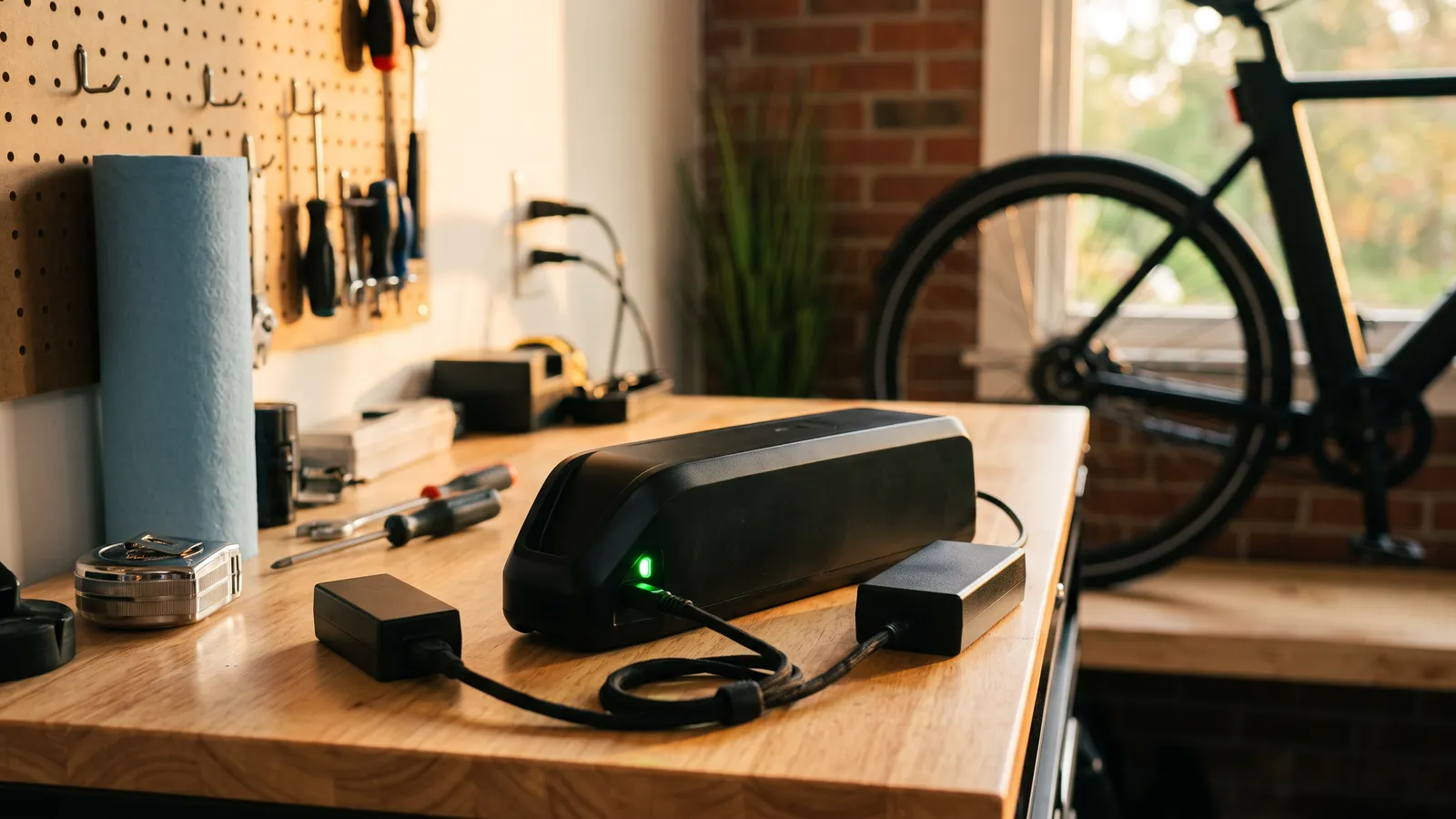 GuideE-bike error codes list: find your brand and displayE-bike error code list hub: find your display, then go to Bosch, Bafang, Lectric, Rad, Velotric, Ride1Up, Heybike or Yamaha codes, with safe checks.
 GuideE-bike battery not charging: safe checks to try firstWhy is my ebike battery not charging? Safe checks: power switch, outlet, charger light, plug, temperature and display codes. Then contact the maker.
 GuideLectric error codes: E003 to E011 and what to checkLectric error codes E003, E006, E007, E008, E009, E010 and E011 from Lectric's own manuals, with safe checks and when to contact Lectric.